

Free Bigjpg AI Image Upscaler
Free online Bigjpg AI image upscaler. Enlarge and sharpen images up to 4× in seconds — private, with no sign-up and no watermark.
Your upscaled image appears here
Upload an image and pick a scale to start.
What is the Bigjpg AI image upscaler?
The Bigjpg AI image upscaler is an online tool that enlarges and sharpens images with AI super-resolution. Upload a photo, screenshot, product shot or piece of anime art, pick 2× or 4×, and it rebuilds the missing detail so the picture looks sharp at a larger size.
If you have been looking for websites like bigjpg or a free bigjpg alternative, this is fast, free and private — no sign-up and no watermark. Your images stay private, so it is safe for personal photos and client work.
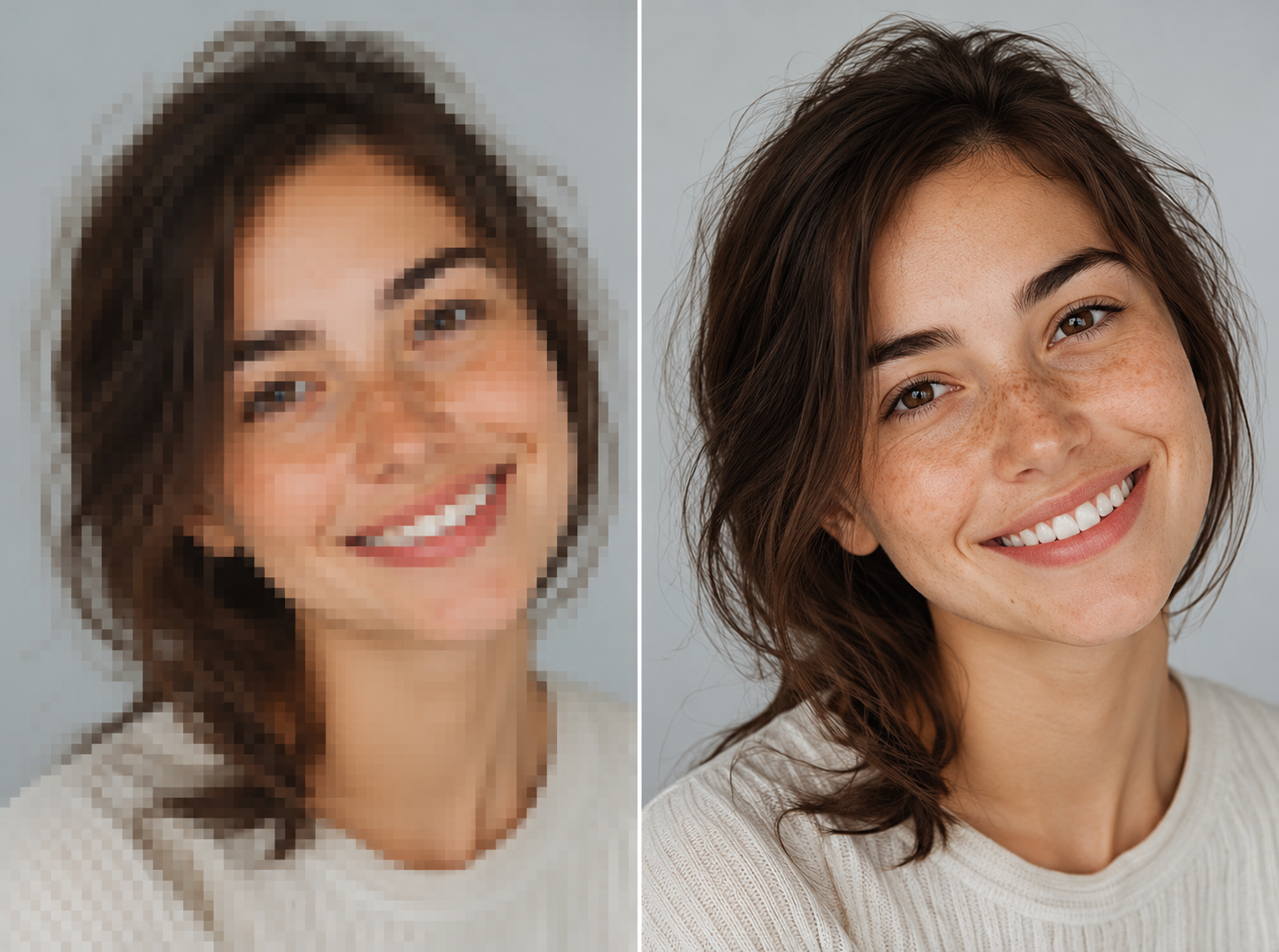
Bigjpg AI upscaler
A closer look at the Bigjpg AI image upscaler
From photos to anime, see what the free online upscaler does — click a feature to preview it.
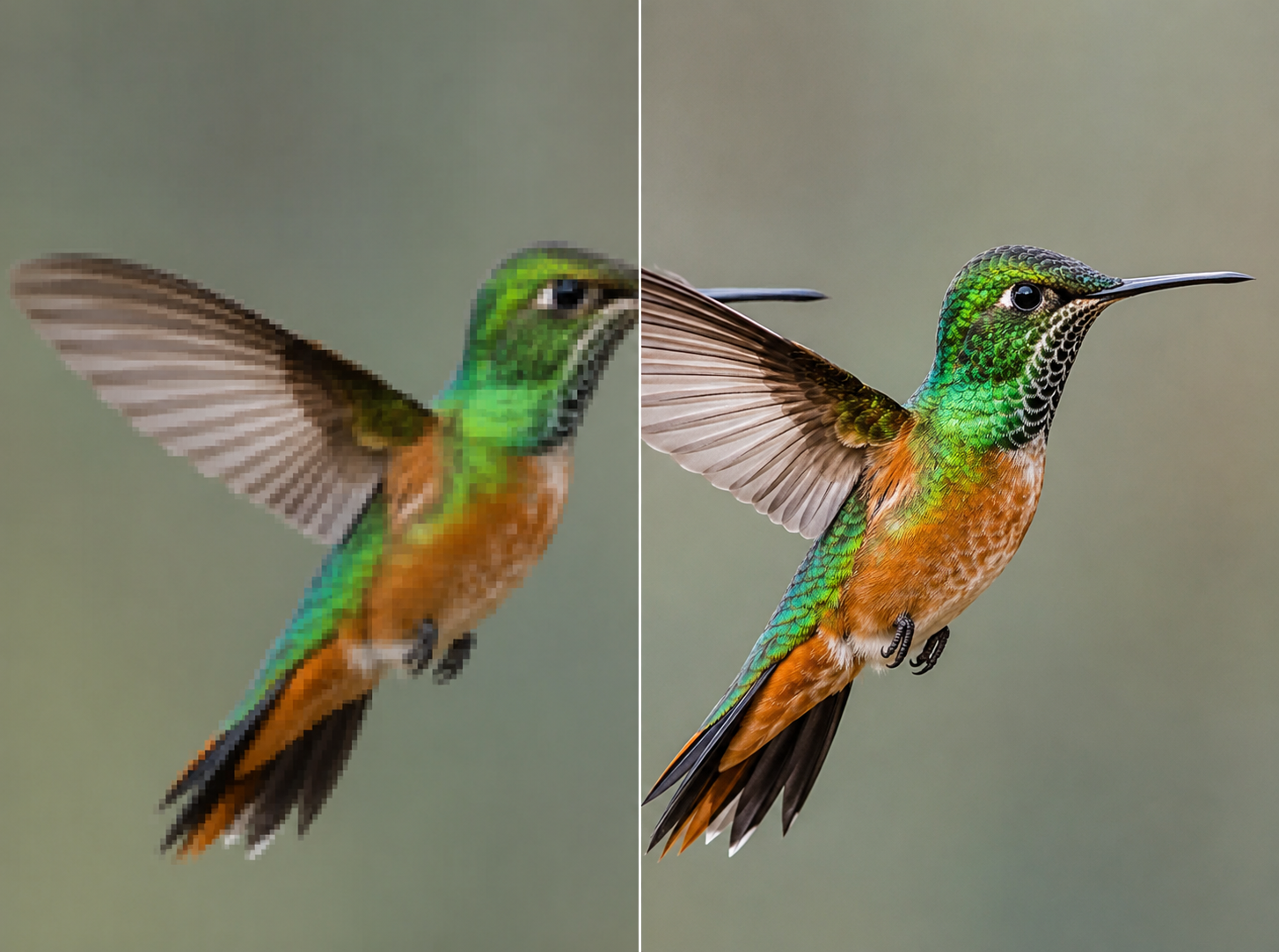
Bigjpg AI image upscaler features
Everything the Bigjpg AI image enlarger does
Upscale photos, anime and artwork up to 4× with AI super-resolution — free, online and private.
How to upscale an image with Bigjpg AI
Enlarge any picture in three steps — free, online and no download.
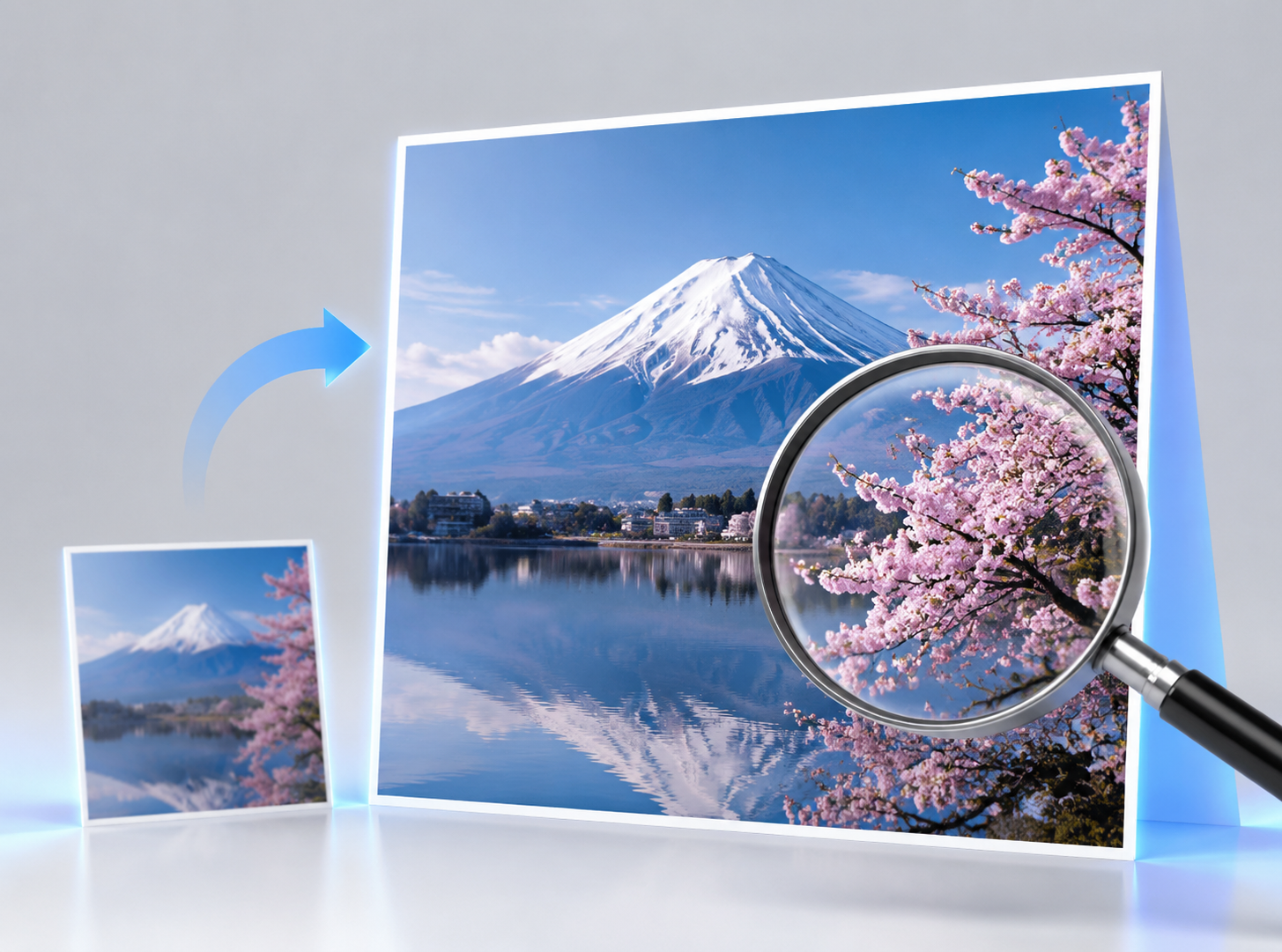
Drag in a PNG, JPG or WebP, or click to browse — your images stay private.
Why choose this Bigjpg alternative
See how this free upscaler compares to bigjpg.com and other online image enlargers.
| Feature | Viddi Bigjpg upscaler | Other upscalers |
|---|---|---|
| Price | Free, no sign-up | Credits or paid plans |
| Privacy | Private — images never shared | Uploads images to their servers |
| Speed | Instant, no queue | Wait in a processing queue |
| Watermark | None | Often added on free tiers |
Loved by creators
What people say about the Bigjpg AI image upscaler
Frequently asked questions
Bigjpg AI image upscaler — questions and answers
Is the Bigjpg AI image upscaler free?
Yes. You can upscale images for free with no account, no credits and no watermark. There is nothing to install and no usage limit to sign up for.
Do I need to download an app or install anything?
No. It works online on desktop and mobile — there is nothing to install, no app and no extension. Just open the page and upload an image.
Is the Bigjpg AI upscaler safe and private?
Yes. Your images stay private — they are only used to create your upscaled result and are never shared or reused. It is safe for personal photos and client files.
How much can I upscale — 2×, 4×, up to 4K?
You can enlarge images 2× or 4×. Starting from a normal photo, 4× is often enough to reach 4K-scale resolution. Very large inputs are processed in tiles so they do not run out of memory.
Can it upscale anime and illustrations?
Yes. Like waifu2x, it handles anime, illustrations and line art well, keeping colors flat and edges clean instead of adding photo-style noise.
What are the best settings for upscaling?
For most photos, start with 2× — it is fast and looks natural. Use 4× for small or low-resolution images where you need the most enlargement. If a big image is slow, resize it down first, then upscale.
Is there a Bigjpg API?
This page is a free web tool rather than an API — you can enlarge images right here with no API key, no setup and no cost.
How is this different from bigjpg.com?
It is a free bigjpg alternative you can use online with no sign-up, no watermark and your images kept private — a lighter, free option for quick upscaling.
Upscale your images with Bigjpg AI — free
No sign-up, no watermark, completely private. Enlarge and sharpen any picture in seconds.