

Yeri AI Image Generator
Turn any text prompt into a ready-to-use image in seconds.
Yeri AI Image Generator Examples
Sample prompts you can adapt for product shots, portraits, posters, and social visuals.
What Is the Yeri AI Image Generator?
Yeri is a multi-model AI image creator on Viddi AI built for everyday creators — not a single-style filter app. Describe a scene in plain language, pick a model like Nano Banana or GPT Image 2, and generate text-to-image or reference-guided visuals in one workspace.
Use it for social posts, product mockups, thumbnails, and campaign concepts. Switch models when you need a fast draft or a sharper final, adjust aspect ratio before you generate, and download results without opening another tool.
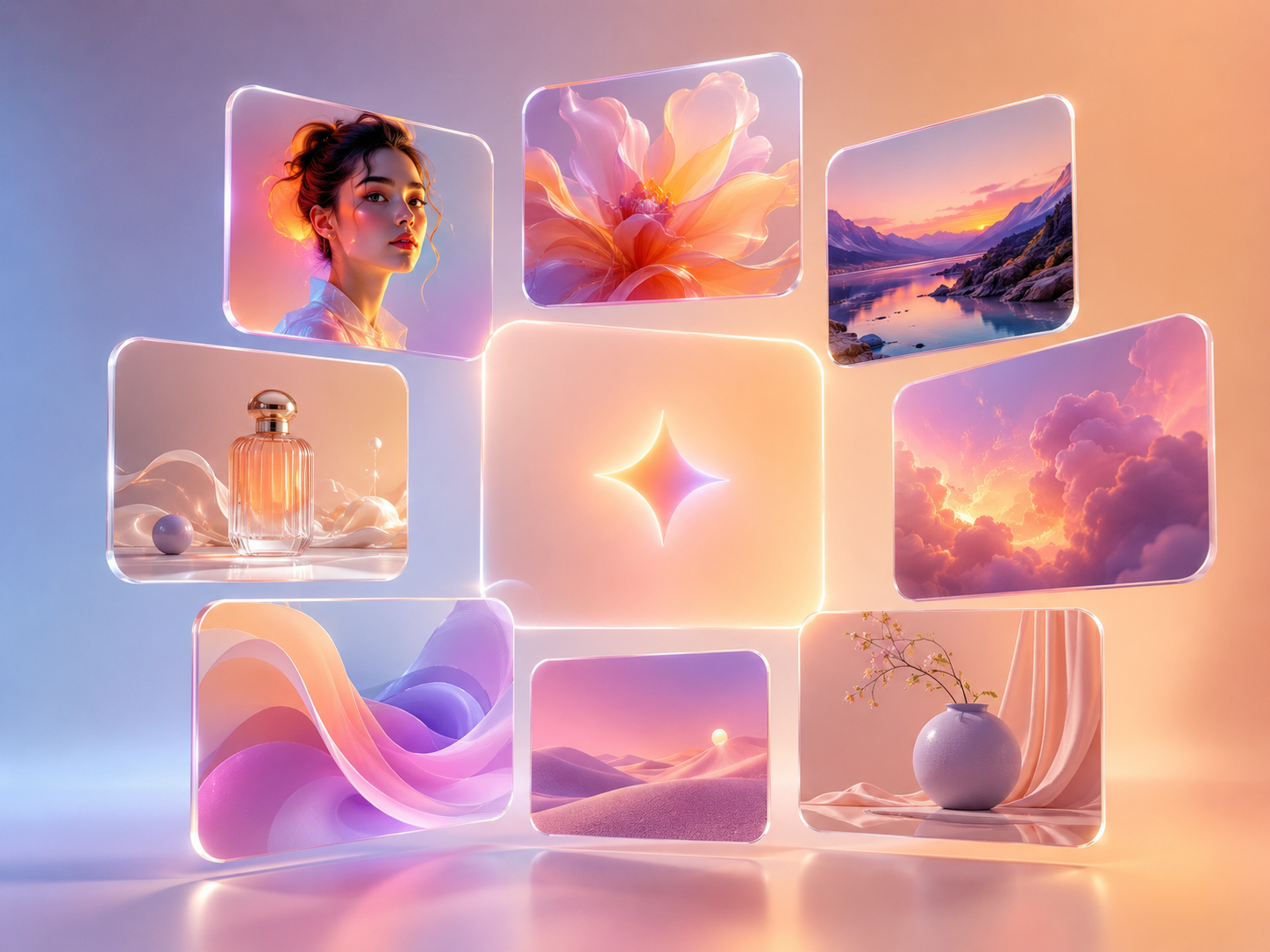
Built for everyday image creation
Why creators choose the Yeri AI image generator
Describe what you need, generate in seconds, and download images ready for posts, ads, and client work — without leaving this page.
How to Generate Images with Yeri AI
Three steps from prompt to download
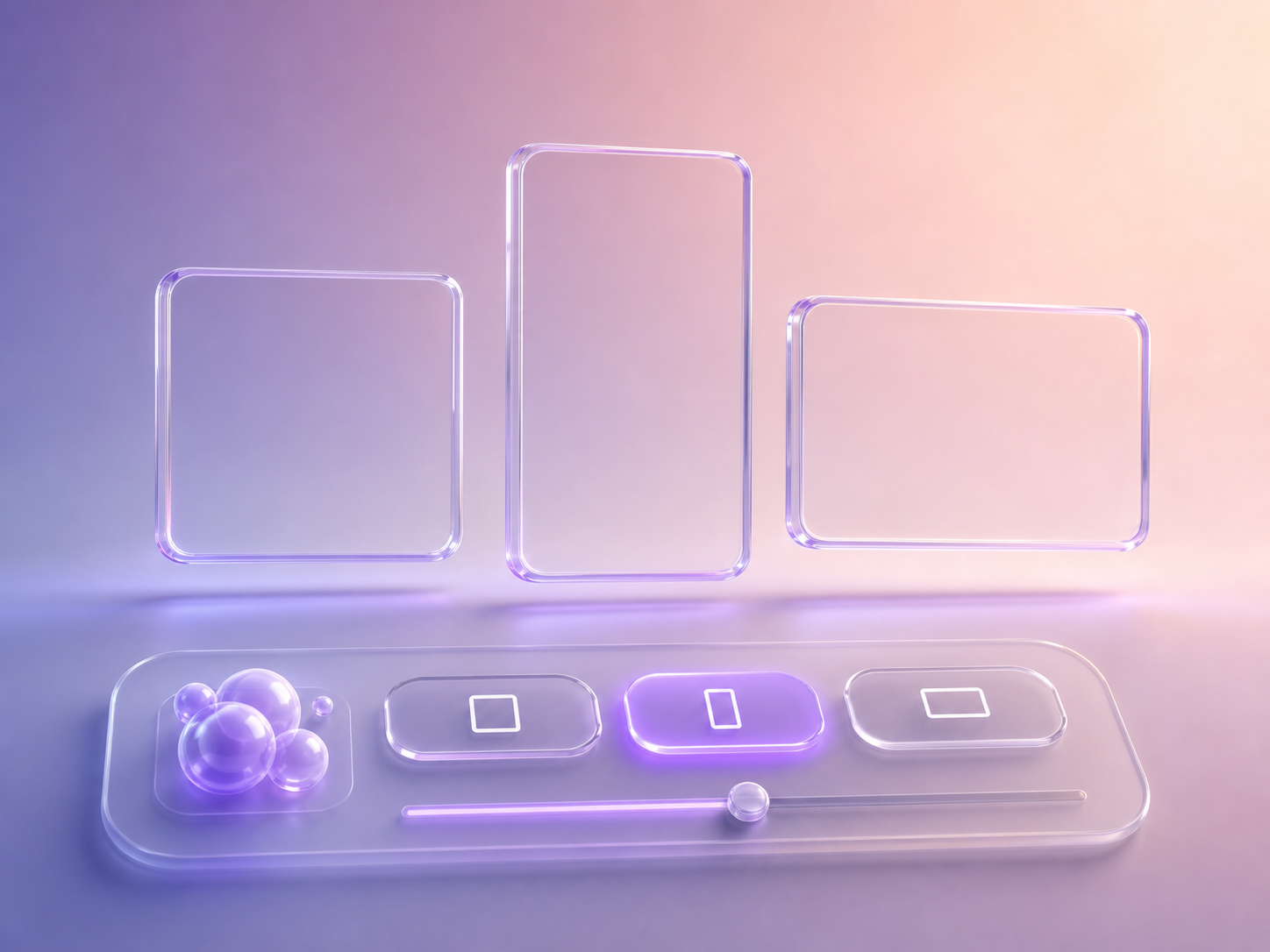
Describe the subject, style, lighting, and mood you want. Add a reference image if you need tighter control over composition or product details.
Why Use the Yeri AI Image Maker
See how Yeri compares to manual design workflows and single-model tools.
| What you need | Yeri AI Image Generator | Manual design / stock sites |
|---|---|---|
| Speed | First draft in seconds from a text prompt | Hours searching, editing, or briefing a designer |
| Model choice | Switch between Nano Banana, Nano Banana Pro, and GPT Image 2 | Locked to one look or one external tool |
| Reference control | Upload images to guide style and layout | Manual compositing or paid stock swaps |
| Workflow | Prompt, generate, download, and reuse on one page | Jump between apps, folders, and exports |
Yeri AI Image Generator FAQ
Common questions before you generate
What is the Yeri AI image generator?
Yeri is Viddi AI's image creation tool for text-to-image and reference-guided generation. You write a prompt, choose a model and aspect ratio, and download the result from the same page.
How do I use Yeri AI to create an image?
Scroll to the generator, enter your prompt, optionally upload a reference image, pick a model like Nano Banana or GPT Image 2, choose an aspect ratio, then click generate. Download when the image is ready.
Can I use reference images with Yeri AI?
Yes. Upload one or more reference images to guide composition, product details, or style. Your uploads stay attached while you adjust the prompt and model.
Which models can I choose in Yeri?
Yeri supports multiple image models on Viddi AI, including Nano Banana, Nano Banana Pro, and GPT Image 2. Each model balances speed, detail, and credit cost differently.
Can I use Yeri AI images commercially?
In most cases, yes — outputs you create are yours to publish for marketing and client work, subject to our terms of service and the rights of any reference assets you upload.
How many credits does Yeri image generation cost?
Cost depends on the model and settings you select. Nano Banana runs typically start around 5 credits per image; GPT Image 2 costs vary by resolution and quality. The generator shows the exact credit cost before you confirm.
Do I need to sign in before generating?
You can explore the tool without signing in. When you generate, you'll be asked to log in or register so credits can be applied. Your prompt and uploads are kept so you can continue after auth.
Is my generated content private?
Your generations are tied to your account history on Viddi AI. We do not turn individual outputs into public gallery pages. Review our privacy policy for full data handling details.
Ready to create with Yeri?
Write a prompt, pick a model, and download your first image in minutes.