

OakGen AI Free Alternative

What Is OakGen AI?
OakGen AI is an all-in-one AI creative studio that bundles 200+ models for image generation, video creation, voice synthesis, music, talking avatars, and UGC ad production under a single subscription. Instead of paying separately for ElevenLabs, Midjourney, Kling, and Suno, OakGen routes every prompt through one dashboard with one shared credit balance — voice cloning, text to speech, image and video generation all in the same wallet.
The catch is the cost. New accounts get a free trial of 1,000 credits, but once those run out, OakGen AI free effectively ends and plans start at $9/month. If you only need one media type — or you want a genuinely free option — a focused alternative is usually the smarter call. Viddi AI, for example, gives you free AI image generation with Nano Banana 2 Lite and GPT Image 2 right in the browser, with no subscription and no APK required.
OakGen AI Download & APK
OakGen AI APK & Download: There Is No App to Download
There is no official OakGen AI APK on Google Play or the App Store — the service is web-only. Here is how to access OakGen AI safely on any device, and why OakGen AI download searches usually end in fake files from mod sites.
Free Voice Cloning & TTS
OakGen AI Voice Cloning: How It Works + Free TTS Alternatives
OakGen AI voice cloning runs ElevenLabs v3 and MiniMax inside its credit wallet — but it costs credits per clone, and the free trial runs out. Here is how OakGen voice cloning works, plus the genuinely free AI voice generator and text-to-speech options worth trying.
- 1
Open the Voice Cloning tab
Navigate to the AI Voice Generator page in OakGen AI and switch to the Voice Cloning tab at the top. Name your voice profile so you can find it later in the My Cloned Voices dropdown.
- 2
Upload a clean audio sample
Upload or record a short clean sample of speech (MP3, WAV, M4A, OGG, or WebM). Avoid background music, reverb, or multiple speakers. Longer studio-quality audio gives the best OakGen AI voice cloning results.
- 3
Confirm consent and clone
OakGen requires you to confirm you own the voice or have explicit permission. Celebrity or unauthorized impersonation attempts are blocked automatically. Click Clone Voice — the process uses credits from your balance and takes about a minute.
- 4
Generate speech in any language
Switch back to the Voice Generator tab, select your cloned voice from My Cloned Voices, type your script, and generate. MiniMax preserves your timbre while outputting natural speech in English, Spanish, Japanese, Korean, Hindi, Arabic, and dozens more languages.
OakGen AI Review
OakGen AI Review: Is the Free Trial Enough, or Go Free Alternative? (2026)
We tested OakGen AI across image, video, voice, and music workflows — and compared what it costs against free alternatives for each tool.
OakGen AI is one of the strongest all-in-one AI creative studios in 2026 — if you genuinely use voice, video, images, and music together. For single-tool workflows, free alternatives win: Viddi AI for free image generation on this page, ElevenLabs or MiniMax free tiers for voice cloning and TTS, and open-source models like Chatterbox or Kokoro for text to speech. If your stack spans every media type, OakGen's $9/month consolidated plan still delivers real value.
OakGen AI features at a glance
Everything inside the OakGen AI workspace
From FLUX and Midjourney images to Veo 3.1 video and ElevenLabs voice — one subscription covers the full creative stack, but every tool also has a free alternative.
OakGen AI Alternatives
OakGen AI vs Cliprise vs Reelistic: Which Alternative Fits?
Searching for an OakGen AI alternative usually surfaces Cliprise and Reelistic — three different answers to the same creator problem. Here is how they compare for video, voice, and social workflows, plus where Viddi AI fits for free image generation.
| Feature | OakGen AI | Cliprise | Reelistic |
|---|---|---|---|
| Primary focus | All-in-one creative studio (image, video, voice, music, ads) | Multi-model video & image generator with mobile apps | Autonomous AI social media team (8 agents) |
| Voice cloning | Yes — ElevenLabs v3 + MiniMax built in | 6 audio routes via API; voice in mobile app | Voice in content pipeline; not a standalone cloning tool |
| Mobile / APK | Web only — no official OakGen AI APK | iOS + Android apps on App Store & Google Play | Web dashboard; no consumer APK |
| Model count | 200+ models across image, video, voice, music | 47+ models with Videoize image-to-motion | Integrated models inside agent pipeline |
| Workflow style | Hands-on — you prompt, generate, and export | Hands-on with templates and reel-optimized ratios | Autopilot — agents research, create, and publish |
| Starting price | From $9/month with unified credits | Pay-as-you-go credits; mobile app free to start | Demo-based pricing for brand teams |
AI Hacks
AI Hacks: Stretch Free Credits Across Voice, Video & Image Tools
Practical AI hacks to get more output from every credit — whether you use OakGen AI voice cloning, Cliprise Videoize, Reelistic's agent pipeline, or free alternatives like Viddi AI.
How to Use OakGen AI Free (and What Happens After the Trial)
From signup to your first generation in three steps — no OakGen AI APK required, and no credit card for the free trial.
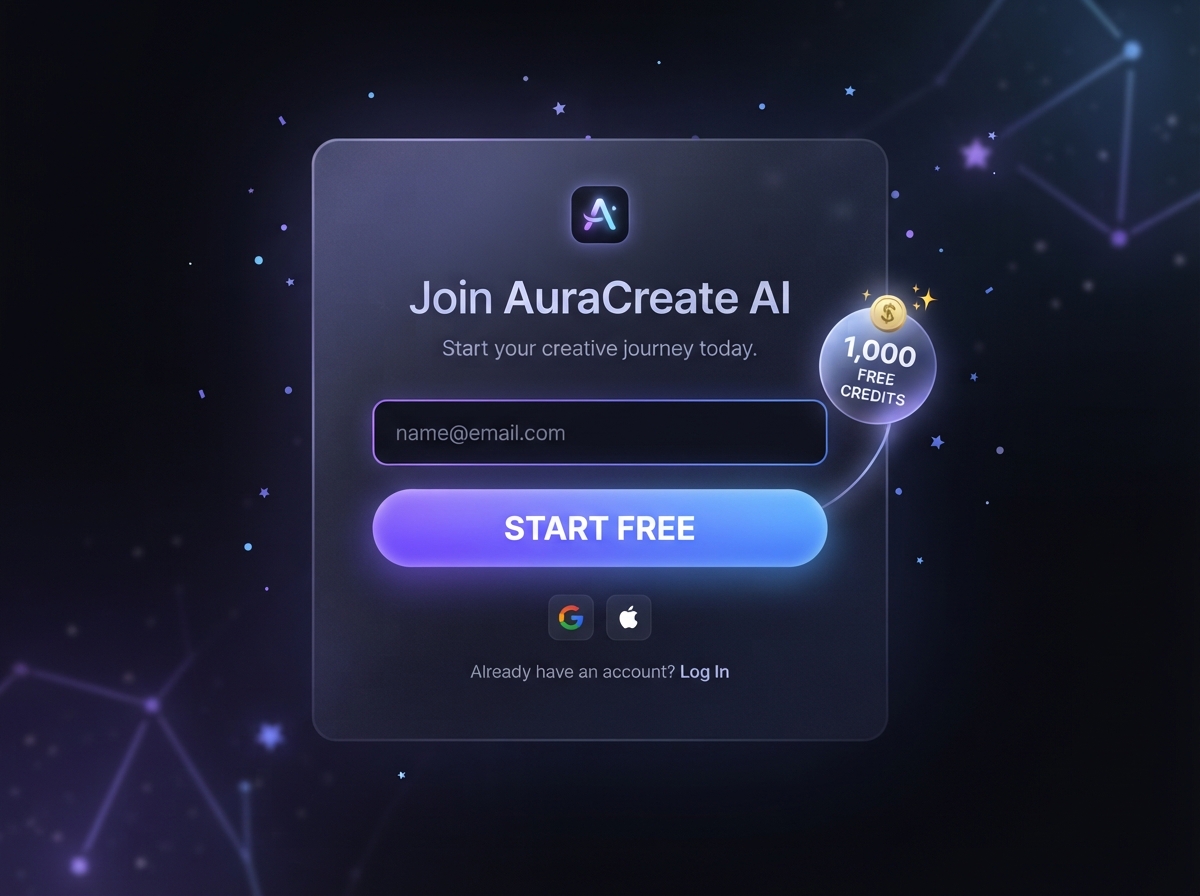
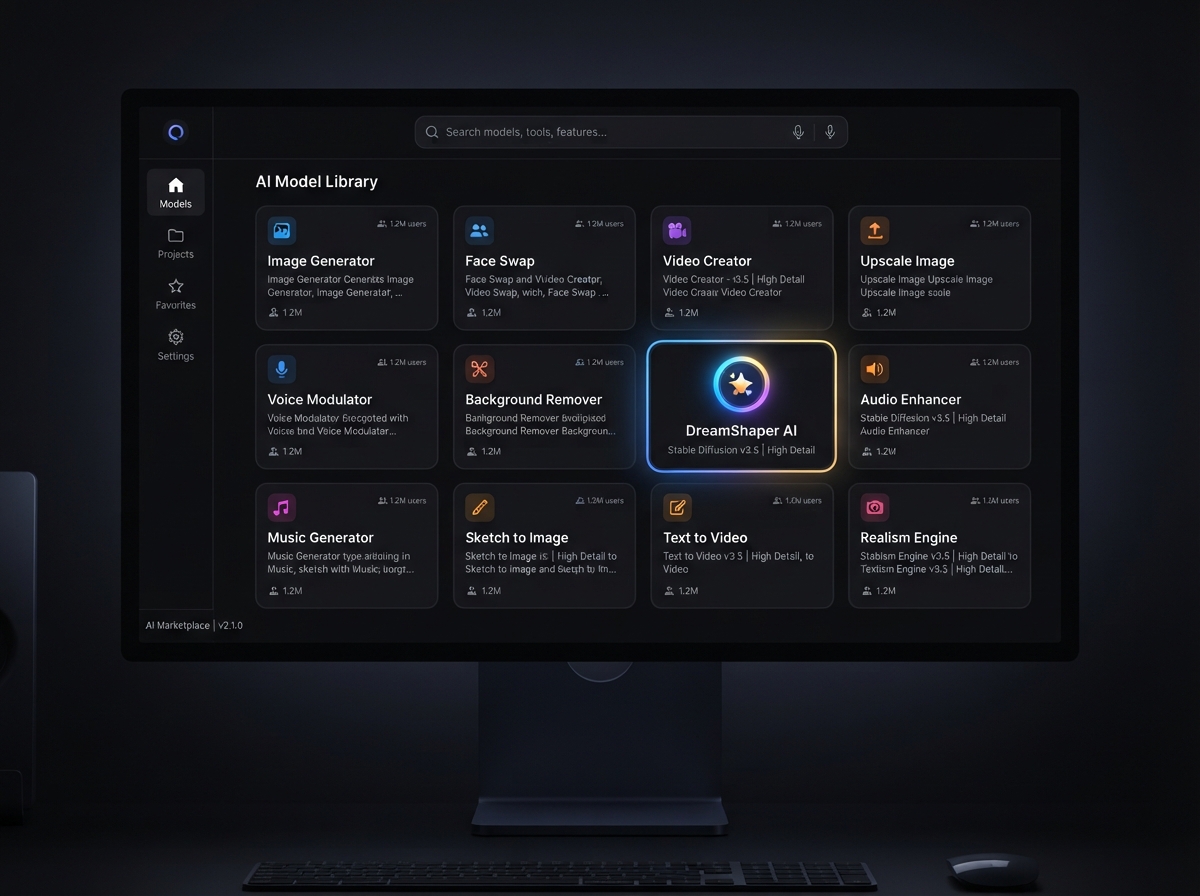
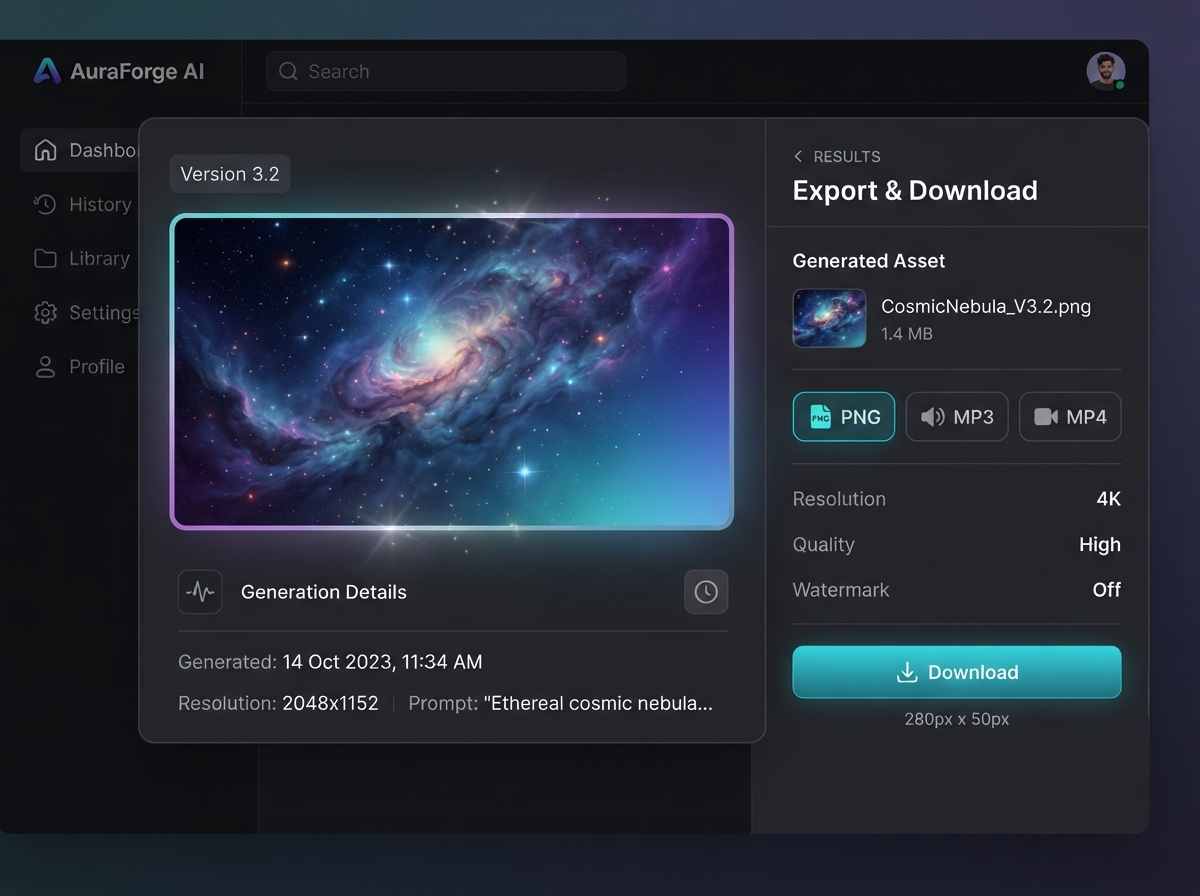
Create an OakGen AI account and sign up for the 7-day free trial. You get 1,000 starting credits — enough to test voice cloning, image generation, and a short video clip before the free trial ends.
Viddi AI vs OakGen AI: The Free Alternative for Image Generation
OakGen AI covers the full creative stack, but if your workflow is AI image generation, Viddi AI is the stronger free alternative: multi-model text-to-image with Nano Banana 2 Lite and GPT Image 2, right on this page.
| Feature | Viddi AI | OakGen AI |
|---|---|---|
| Best for | Free AI image generation with Nano Banana 2 Lite, GPT Image 2, and prompt gallery | Full-stack creative studio — voice, video, music, and ads |
| Getting started | Generate free images right on this page — scroll to the editor below | Sign up on OakGen AI; the free trial ends after 1,000 credits |
| Voice cloning | Not available — use the free TTS alternatives listed above | Built-in voice cloning with ElevenLabs and MiniMax (costs credits) |
| Pricing model | Credit-based image generation with free exploration — no subscription | From $9/month after the free trial, shared credits across all media |
OakGen AI Free Alternative FAQ
Common questions about OakGen AI free credits, voice cloning alternatives, APK downloads, and pricing
Is OakGen AI free?
Only as a trial. OakGen AI gives new accounts 1,000 free credits for 7 days; after that, every tool — voice cloning, text to speech, image and video generation — requires a paid plan from $9/month. For free AI image generation that does not expire, Viddi AI is a no-subscription alternative you can use right on this page.
Is there a free OakGen AI voice cloning alternative?
Yes. ElevenLabs offers a free tier with 10 minutes of TTS per month, MiniMax gives free starter credits, and open-source options like Chatterbox and Kokoro run entirely free. OakGen AI voice cloning itself consumes credits from your wallet and only ships with paid plans after the trial.
What is the best free text-to-speech and AI voice generator?
For free text to speech: ElevenLabs free tier for the most natural voices, MiniMax for multilingual TTS, Google Gemini TTS via AI Studio, and Kokoro or Chatterbox if you want fully free open-source voices. For free AI image generation, Viddi AI is the direct alternative — Nano Banana 2 Lite and GPT Image 2 without a subscription.
Is there an OakGen AI APK for Android?
No. OakGen AI does not offer an official APK or native mobile app. The only safe access path is the official web app in your browser. Avoid third-party APK sites — they are not affiliated with OakGen and may be unsafe.
How much does OakGen AI cost?
OakGen AI starts at $9/month after the free trial, with Pro at $19/month (or $15/month billed annually) for full voice cloning and higher limits. Video models like Kling and Veo consume hundreds of credits per clip, so effective cost depends on your media mix.
How does OakGen AI compare to Cliprise?
OakGen AI offers a broader model library (200+ vs 47+) including dedicated voice cloning and music tools. Cliprise has native iOS and Android apps and a Videoize feature optimized for Reels and TikTok. Choose OakGen for all-in-one depth; choose Cliprise for mobile-first short video.
How does OakGen AI compare to Reelistic?
Reelistic is an autonomous AI social media team with 8 agents that research, create, and publish content. OakGen AI is a hands-on creative studio where you control every prompt and export. Use Reelistic for autopilot social volume; use OakGen AI for direct creative control.
What is the best free alternative to OakGen AI for image generation?
Viddi AI is the best free OakGen AI alternative for images: multi-model text-to-image with Nano Banana 2 Lite and GPT Image 2, credits for exploration, no subscription, and no APK — the editor is right on this page.
Generate Free AI Images on Viddi AI
Skip the subscription. Scroll up to the editor and generate with Nano Banana 2 Lite or GPT Image 2 — the free OakGen AI alternative for images, right here, right now.