

PuruPuru Maker
Upload an image, brush the parts you want to wobble, and watch them jiggle. Record the motion, save it, and share — even shake your phone to make it move.
Paint the areas you want to wobble.
Read image
Read an image to start.Paint the wobble area
Colored areas will wobble.Left-click to paint · drag to keep painting
Read an image to start
What is PuruPuru Maker?
PuruPuru Maker is a playful tool that makes any image jiggle. "Puru puru" is the Japanese word for a soft, bouncy wobble — you add a picture, brush over the parts you want to move, and those areas start to bounce.
It went viral for turning anime characters, fan art, and everyday photos into funny, oddly satisfying wobble clips. You can record the animation and save it as a video, and on a phone you can even shake the screen to make it move.
Examples
See PuruPuru Maker in action
Jiggles the community made with it — anime art, plushies, manga and more.
Shared by the community on X
PuruPuru Maker features
Everything that makes your images jiggle
Brush, wobble, record, and share — PuruPuru Maker turns any picture into a satisfying jiggle in seconds.
How to make an image jiggle with PuruPuru Maker
Turn any picture into a wobble in three steps.

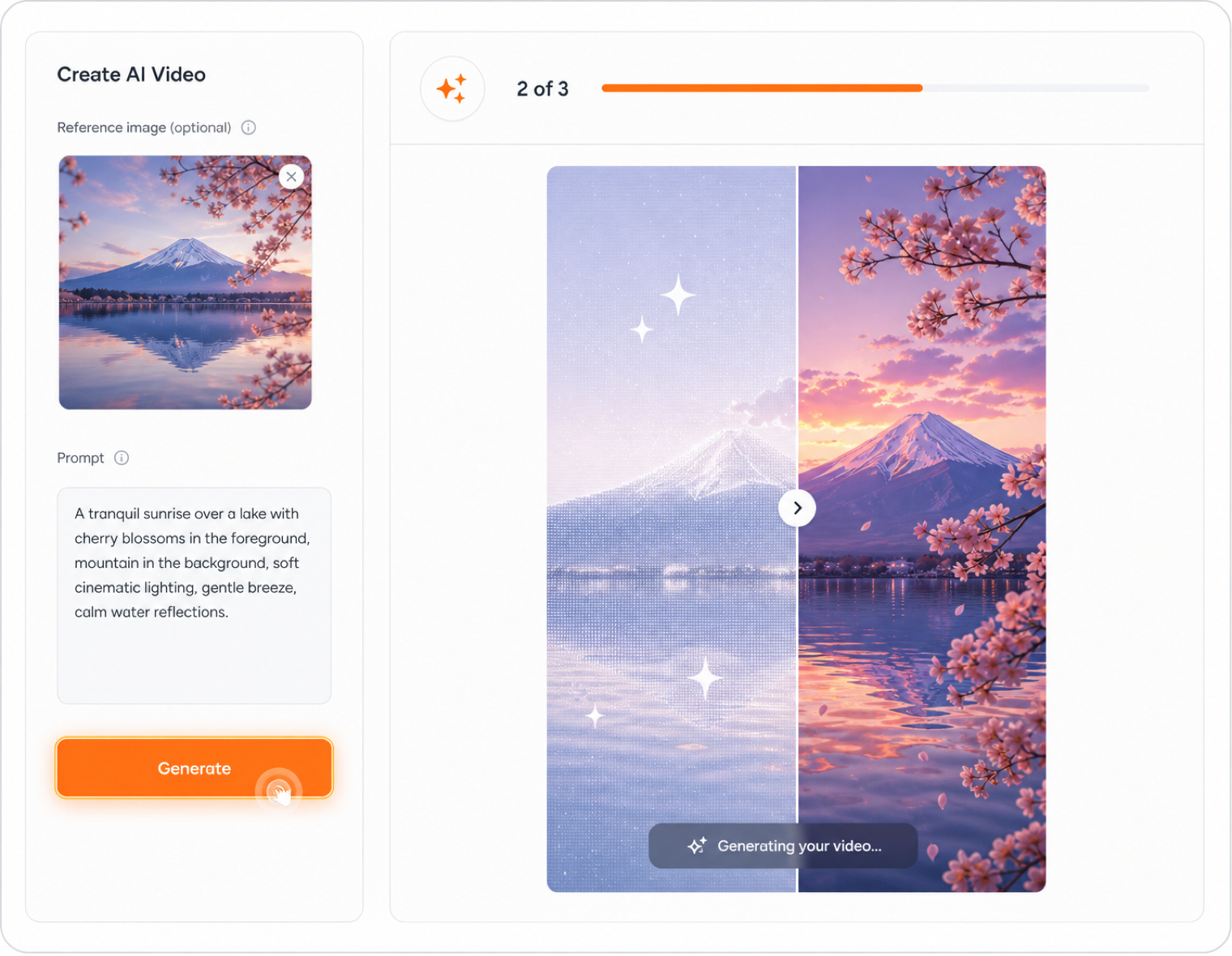
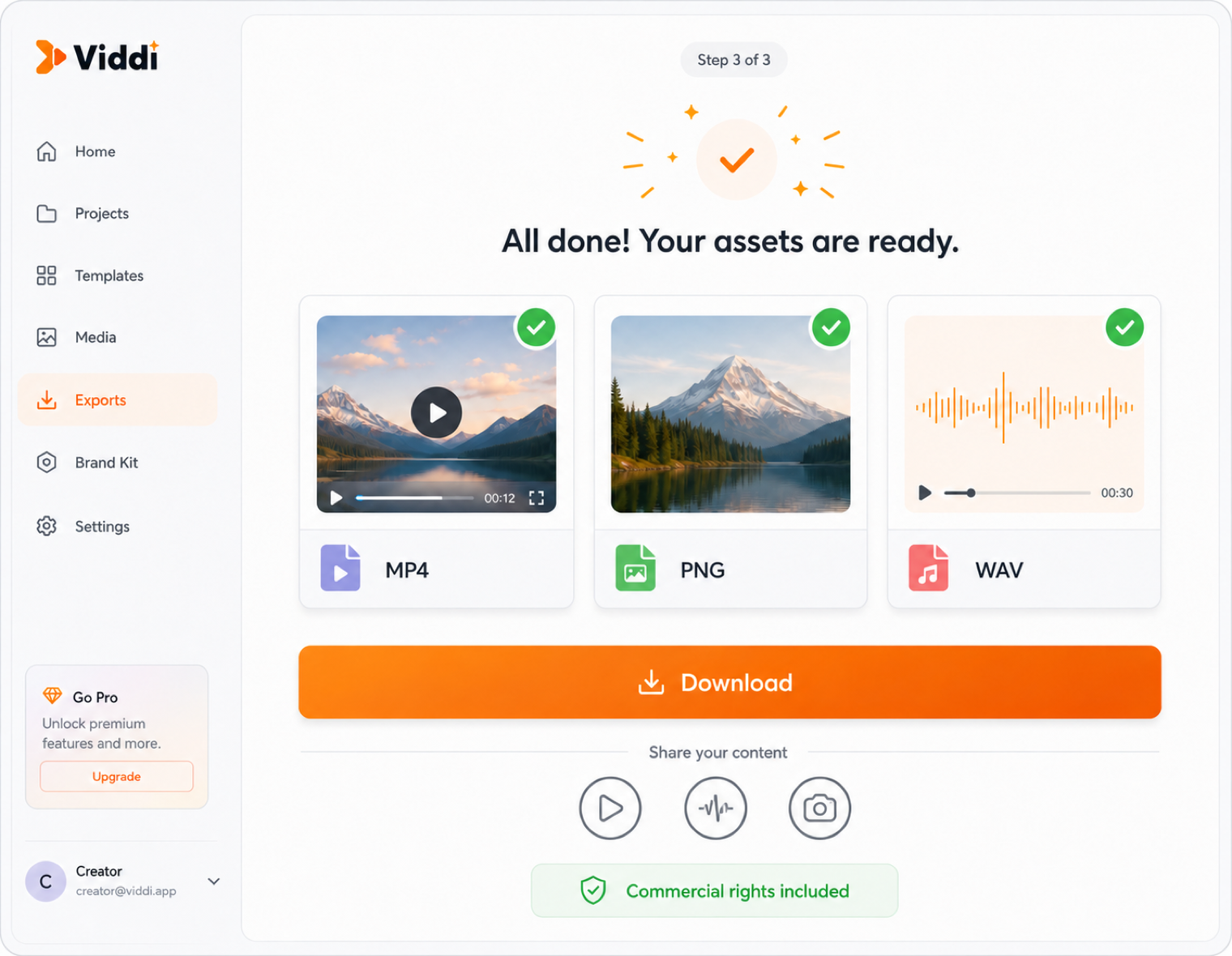
Drop in a photo, an anime character, or any picture you want to animate.
Why PuruPuru Maker
See how PuruPuru Maker compares to animating a wobble by hand.
| Feature | PuruPuru Maker | Manual animation |
|---|---|---|
| Skill needed | None — just brush | Animation software & practice |
| Time per clip | Seconds | Hours of keyframing |
| Fun factor | Instant, satisfying wobble | Tedious and fiddly |
| Cost | Free | Paid apps |
Ways to use the jiggle maker
From fan art to product shots — anywhere a wobble grabs attention.
Anime & fan art
Brush hair, cheeks, or clothing on your character art and share a jiggle clip that stops the scroll.
Memes & reaction images
Turn a static meme into a wobbling video that outperforms the original in shares and saves.
Product previews
Add a subtle wobble to plushies, stickers, or accessories so buyers see them feel tactile and fun.
Social media content
Record a quick jiggle clip of any photo and post it as a Reel, TikTok, or tweet — eye-catching in seconds.
VTuber & Live2D prototyping
Test how jiggle zones look on a character before committing to full rigging — fast, visual, and free.
Profile pics & avatars
Make your avatar wobble for a playful animated profile that stands out in any platform.
People love the jiggle
What creators say about PuruPuru Maker
Frequently asked questions
PuruPuru Maker — questions and answers
What is PuruPuru Maker?
PuruPuru Maker is a fun tool that makes any image jiggle. You add a picture, brush over the parts you want to move, and those areas wobble. You can record the motion and save it as a video.
How do I make an image jiggle?
Add your image, brush over the areas you want to move, and PuruPuru Maker makes just those parts wobble while the rest stays still. Then record and save the animation.
Can I save the jiggle animation?
Yes. You can record the wobble and download it as a video to share on social media or with friends.
Does it work on my phone?
Yes. It works on phones, and you can even physically shake your device to make the image wobble in real time.
What images work best?
Almost anything works — anime characters, fan art, photos, and memes all look great. Clear subjects with soft areas to jiggle tend to be the most fun.
Is PuruPuru Maker free?
Yes, PuruPuru Maker is free to use. Just add an image and start jiggling.
Do I need an account?
No account is needed — just add an image and start jiggling.
Is PuruPuru Maker available now?
Yes — it's ready to use right now. Add an image above, brush the parts to wobble, and record your jiggle. It's free with no sign-up.
Ready to make something jiggle?
Add an image, brush the parts you want to move, and download your jiggle in seconds — free.